Executive Guide
Cloud Calling Built for Modern Business Operations
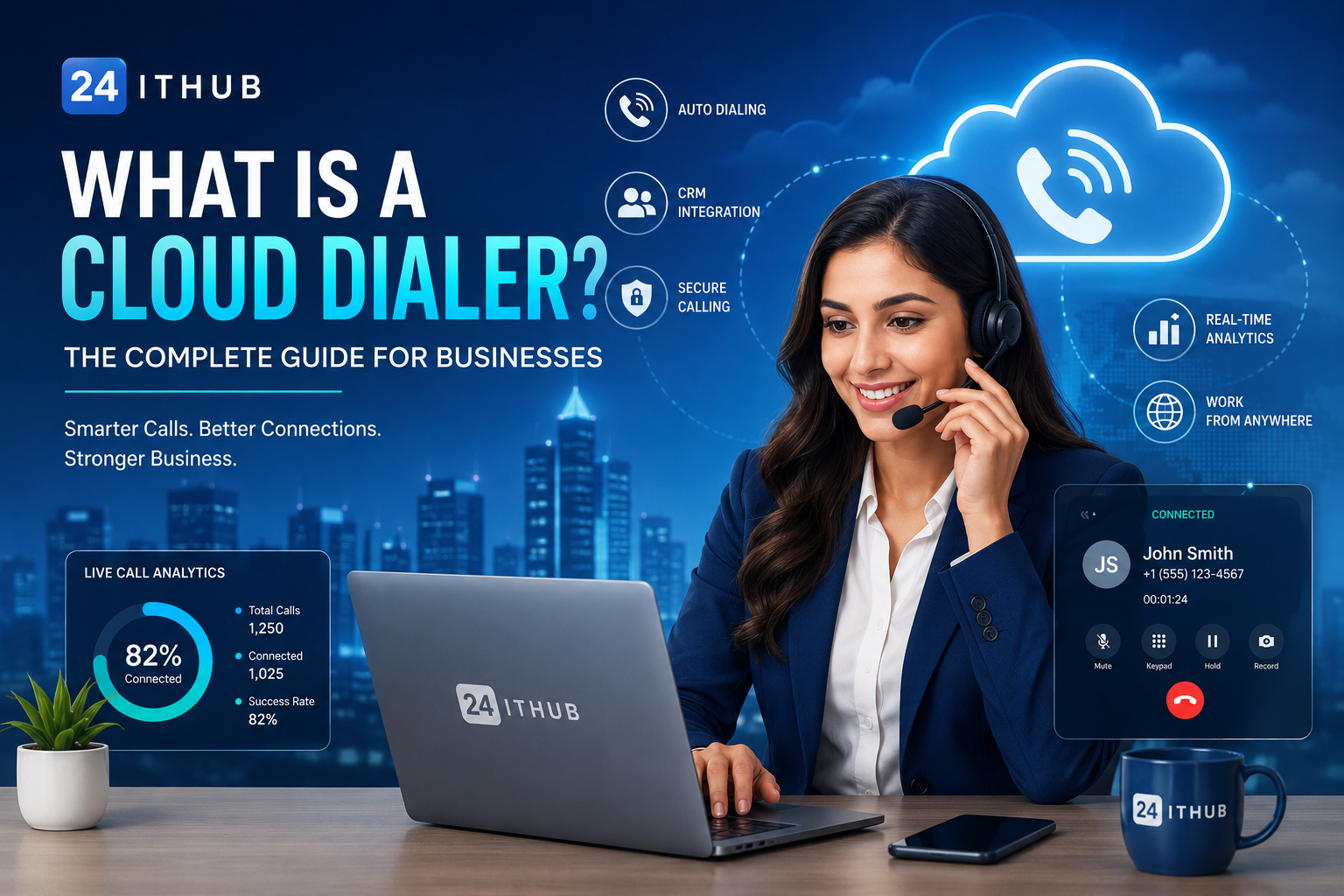
A cloud dialer is not simply an automatic calling tool. It is a centralized communication platform that brings agents, customer data, voice infrastructure, automation, monitoring and analytics together inside one secure environment.
For sales teams, support departments and contact centers, the right cloud dialer reduces operational complexity while improving visibility, agent productivity and customer experience.
Faster Deployment Launch structured calling operations without building a complete on-premise PBX environment.
Centralized Control Manage agents, queues, campaigns, recordings and reporting through one secure platform.
Flexible Scaling Add users, campaigns and calling capacity as operational requirements increase.
What Is a Cloud Dialer?
A cloud dialer is an internet-based business communication platform used to manage inbound and outbound customer conversations. The software, dialing logic and management interface are hosted in cloud infrastructure instead of depending on a complete telephone system installed inside the office.
Agents normally connect through a browser, softphone or supported IP phone. Supervisors use a centralized dashboard to review live activity, call outcomes, recordings, dispositions and campaign performance.
Simple definition
A cloud dialer combines business calling, agent management, customer-data integration, automation and reporting in one hosted communication platform.
How Does a Cloud Dialer Work?
The platform connects customer records, agents and voice infrastructure through a controlled workflow.
01
Customer data enters the platform
Lead and customer records are uploaded manually or synchronized from a CRM, API or business application.
02
Agents sign in securely
Authorized users access the platform through a browser, softphone or approved device.
03
The dialing workflow starts
Calls are placed according to campaign rules, agent availability and the selected dialing strategy.
04
Answered calls reach available agents
Connected calls are routed to agents, queues or workflows according to configured business logic.
05
Every interaction becomes measurable
Recordings, notes, dispositions, follow-ups and performance metrics are stored for reporting and review.
Types of Cloud Dialers
01
Predictive Dialer
Places multiple calls using agent availability and answer-rate logic, then connects answered calls to available agents. It is designed for high-volume outbound campaigns.
02
Power Dialer
Calls one contact at a time for each available agent and automatically moves to the next record after the interaction ends.
03
Progressive Dialer
Starts a new call only when an agent is ready, creating a controlled balance between automation and customer experience.
04
Preview Dialer
Displays customer information before the call so the agent can review history, requirements and previous notes before speaking.
Best practice
Choose the dialing mode according to campaign quality, expected call volume, compliance requirements and the level of personalization required.
Core Capabilities of an Enterprise Cloud Dialer
01
Inbound and Outbound Calling
Manage sales campaigns, service queues and business calling through one unified platform.
02
CRM Integration
Connect customer records, screen popups, call notes, outcomes and follow-up workflows.
03
Recording and Monitoring
Support quality management through recordings, live monitoring, whisper and barge controls.
04
Campaign Management
Control lead lists, schedules, agent groups, dispositions and campaign-specific rules.
05
Real-Time Analytics
Review agent status, answer rates, call outcomes, talk time and operational trends.
06
Security and Permissions
Apply role-based access, user controls, audit trails and restricted data visibility.
Business Benefits
Higher Agent Productivity
Automated dialing reduces manual number entry and idle time. Agents spend more time speaking with customers and less time performing repetitive administrative tasks.
Lower Infrastructure Complexity
Businesses can reduce dependency on dedicated PBX hardware, local telecom rooms and complex office-based maintenance.
Better Management Visibility
Supervisors gain access to live activity, recordings, performance reports and campaign outcomes from one centralized dashboard.
Support for Distributed Teams
Authorized users can operate from approved locations while management retains central control over access, performance and reporting.
Faster Business Scaling
New agents, queues and campaigns can be introduced without rebuilding the complete communications environment.
Cloud Dialer vs Traditional Calling System
| Capability | Cloud Dialer | Traditional System |
|---|---|---|
| Deployment | Cloud hosted and centrally managed | Dependent on local infrastructure |
| Hardware requirement | Low | Usually high |
| Remote-agent support | Designed for distributed access | Often limited or complex |
| Scalability | Flexible and software driven | Dependent on installed hardware |
| Reporting | Centralized real-time dashboards | Varies by local implementation |
| CRM integration | API, webhook and native workflow options | Usually requires additional integration |
| Maintenance | Central platform management | On-site maintenance may be required |
Cloud Dialer and CRM Integration
CRM integration connects calling activity with customer and sales information. Instead of switching between disconnected applications, agents can access relevant context during the conversation.
- Click-to-call from customer records
- Automatic customer screen popups
- Call notes and dispositions
- Follow-up reminders
- Call-history synchronization
- Recording links inside CRM records
- Lead ownership and assignment
- Sales-pipeline and status updates
Important implementation consideration
A dialer integration should not only transfer call data. It should also preserve clear ownership, follow-up responsibility, customer history and reporting accuracy.
Who Should Use a Cloud Dialer?
Cloud dialers are suitable for organizations that manage regular customer calling, distributed agents or measurable communication workflows.
- Sales and lead-generation teams
- Customer-support departments
- BPO and contact centers
- Recruitment companies
- Financial-services businesses
- Insurance and collections teams
- Real-estate organizations
- Healthcare appointment teams
- Education and training providers
- E-commerce and logistics businesses
How to Choose the Right Cloud Dialer
The best platform is not automatically the one with the longest feature list. It should match the business workflow, agent count, calling geography, compliance requirements and technical environment.
01
Define the operational workflow
Document inbound queues, outbound campaigns, follow-ups, transfers and reporting requirements.
02
Estimate realistic capacity
Review concurrent agents, daily call volume, destination countries and expected growth.
03
Evaluate integration requirements
Confirm compatibility with CRM, APIs, webhooks, customer databases and reporting tools.
04
Review reliability and support
Ask about redundancy, monitoring, service commitments and technical-support availability.
05
Validate security and access control
Check permissions, data handling, recording access, audit trails and account protection.
Security and Governance Checklist
- Role-based user access
- Strong authentication controls
- Restricted recording access
- Audit logs for administrative actions
- Encrypted web access
- Defined data-retention policies
- Approved caller-ID usage
- Compliance with applicable calling laws
Enterprise recommendation
Combine technical security with clear operational policies. Access control, recording retention, agent permissions and campaign approval should be documented.
Frequently Asked Questions
Is a cloud dialer suitable for small businesses?
Yes. A small team can begin with limited users and capacity, then add agents, campaigns and features as requirements increase.
Can remote agents use a cloud dialer?
Yes. Remote and distributed access is a major advantage, provided the agent has approved access, reliable internet and suitable audio equipment.
Does a cloud dialer support call recording?
Professional platforms commonly support call recording. Businesses must still follow applicable consent, privacy and retention requirements.
Can it integrate with an existing CRM?
Many platforms support native integrations, APIs, webhooks or custom workflows for call history, click-to-call, customer popups and follow-ups.
Can one platform handle inbound and outbound calling?
Yes. A complete cloud communication platform can support inbound queues, IVR, intelligent routing and outbound campaigns from one management system.
How long does deployment take?
Deployment time depends on agent count, number configuration, CRM integration, campaign design and testing requirements. A structured cloud rollout is generally faster than building a complete on-premise system.
Build Communication Around the Business, Not the Hardware
A modern cloud dialer gives organizations more than automated calling. It creates a controlled communication environment where agents, customer data, campaigns, reporting and quality management work together.
The strongest implementation begins with a clear operational design: the correct dialing mode, reliable voice infrastructure, sensible permissions, CRM integration and reporting that supports real business decisions.